
|
| Email Home Page |
|

|
|
|
| Email Home Page |
|
|
|
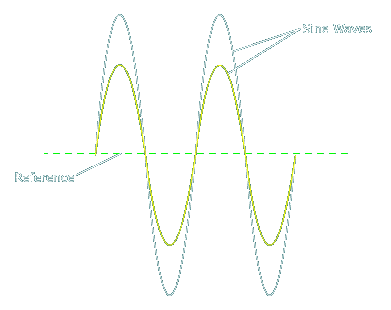
An audio signal is a complex AC waveform. The diagram below shows 2 sine waves. These are much less complex than music. If you play a pure tone from a test disc and monitor the output with an oscilloscope, it would look similar to one of the sine waves below. Many of the aftermarket car stereo head units have 2 different types of outputs. One type of output (the preamp output) is designed to drive the preamp level input of an amplifier, crossover or equalizer. The other type of output (speaker level output) is designed to drive a set of speakers and may also be used to drive the speaker level input of an amplifier. The main difference between the preamp signal and the speaker output signal is the current capacity of the circuit producing the signal. The preamp level signal is a very low noise, low current output. The speaker output signal is capable of supplying much more current than the preamp output signal. The output voltage levels from the preamp outputs and speaker outputs MAY be approximately the same but the speaker drive voltage is usually higher. When the volume is low, the voltage out is low. To increase the volume, you must increase the output voltage (the amplitude of the waveform). You are controlling the output voltage level when you set the volume level. The yellow waveform shows the same sine wave output at a lower volume setting than the white waveform.
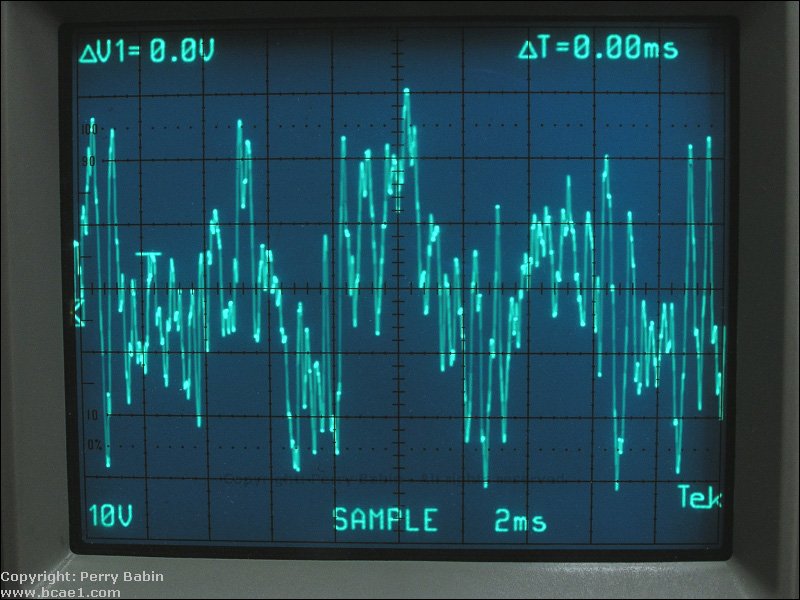
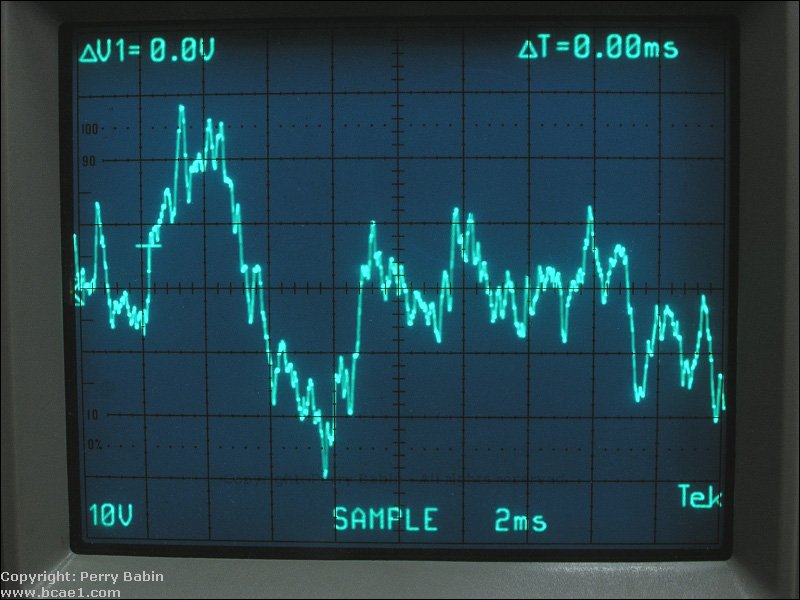
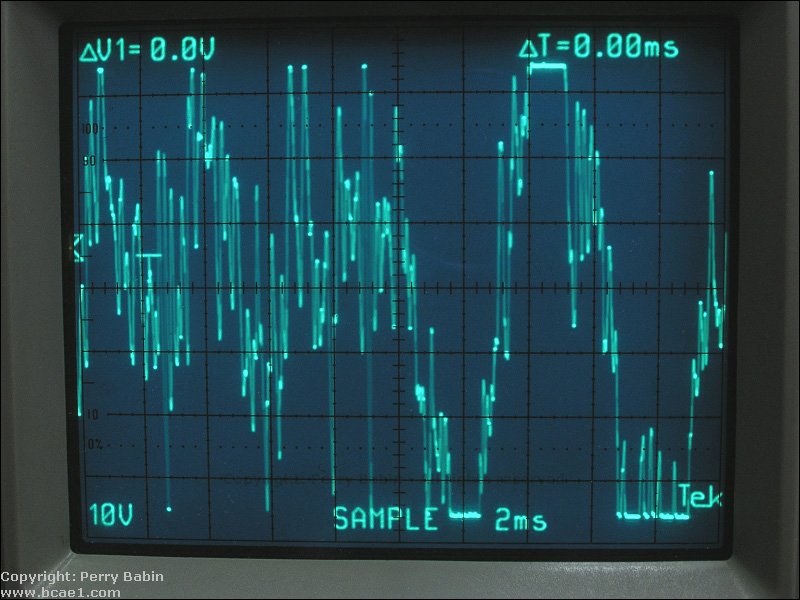
The following are examples of what audio looks like on an oscilloscope. These are a tiny fraction of a second of audio. The scope's timebase is set to 2ms/div. There are 10 horizontal divisions so that's 20ms. Twenty milliseconds is 0.02 seconds. The first two waveforms are 'clean' (essentially no distortion). The third waveform is clipped. Even though the signal has a fair bit of clipping, this would be difficult to hear with music.
The following demo shows you what a sine wave looks like on an oscilloscope. When you click on the volume bar, you can see how the amplitude of the waveform changes. You can also click on the 'track' buttons (green) to change the frequency. The voltage readout indicates 'peak' voltage.
Click HERE to make this applet fill this window. |

|

|
|

|


